Understanding the Entity Framework N+1 Problem
The Entity Framework N+1 problem occurs when multiple database queries are executed in a loop instead of a single optimized query. This often happens in CRM and ERP applications, causing slow API responses and poor performance.
Recognizing this problem is the first step to improving your .NET application performance.
Common Causes of the N+1 Problem
- Loading related data inside loops
- Repeated queries for the same table
- Lack of Include() statements for related entities
- Not using proper query optimization techniques
Example of N+1 Problem
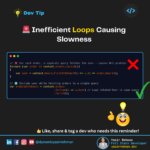
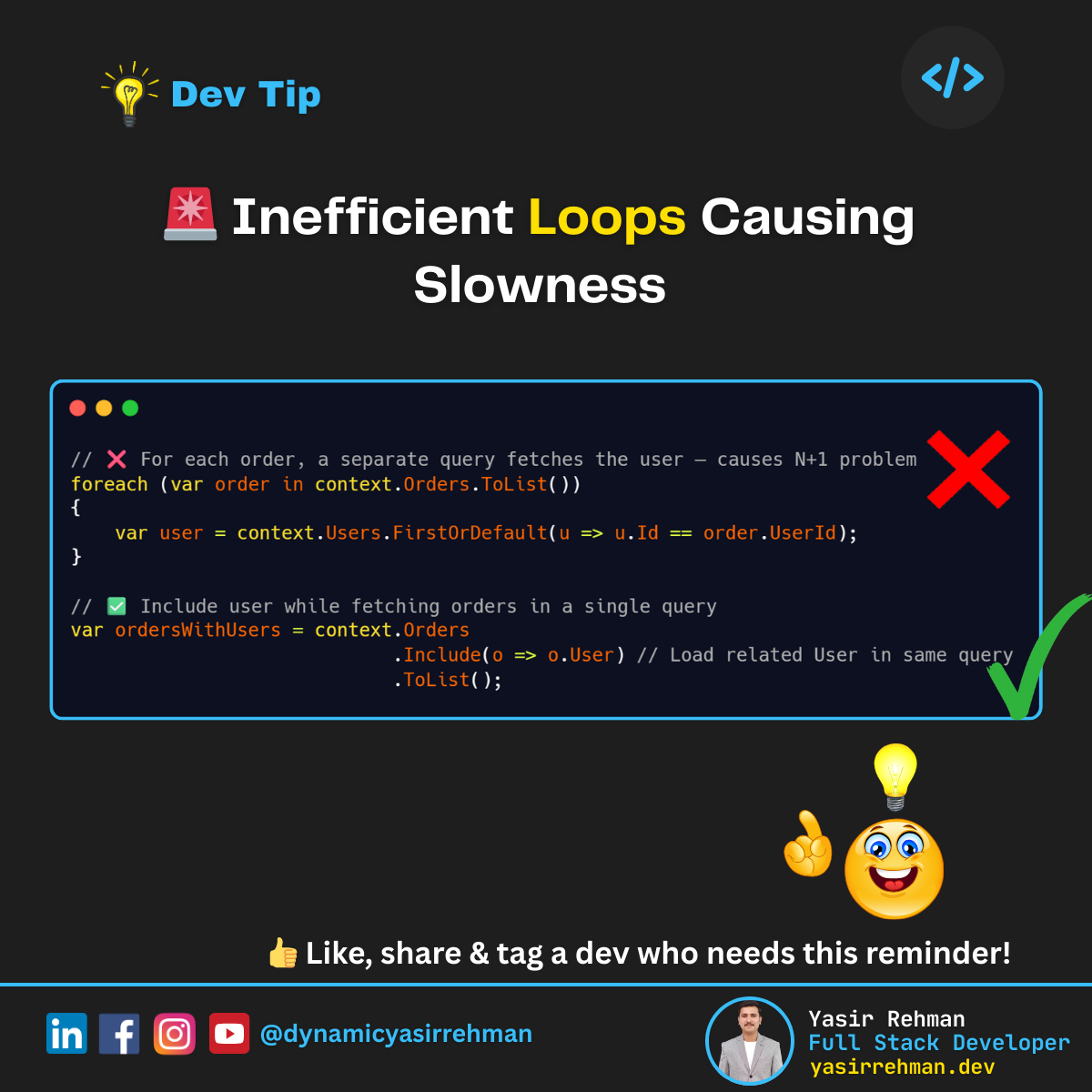
// ❌ N+1 problem – fetching orders inside loop
foreach(var order in context.Orders.ToList())
{
    var user = context.Users.FirstOrDefault(u => u.Id == order.UserId);
}
Problem:
For each order, a separate query is executed for the user. With 1,000 orders, 1,001 queries are executed instead of just one.
How to Fix the N+1 Problem
Use Include() or projection to load related entities efficiently:
// ✅ Optimized query – loads orders with users in one query
var ordersWithUsers = context.Orders
                             .Include(o => o.User)
                             .ToList();
This drastically reduces queries and improves .NET API performance.
Best Practices to Avoid N+1 Issues
1️⃣ Use Include() for related entities
2️⃣ Use Select() or projection for only necessary fields
3️⃣ Batch queries instead of looping over data
4️⃣ Implement caching for frequently accessed entities
5️⃣ Monitor queries using EF logging to detect N+1 patterns
Conclusion
Fixing the Entity Framework N+1 problem ensures your CRM, ERP, and other .NET applications run faster and scale better. Optimizing queries, using Include() properly, and reducing unnecessary database calls can transform slow APIs into high-performance systems.
Need help improving your .NET API and application performance?
I help businesses optimize CRM, ERP, and SaaS applications for speed and efficiency.
👉 Check my services or connect with me on LinkedIn.